DEVELOPMENT

PORTFOLIO

testimage

What have I done?

For my porfolio I had a few different ideas. First I wanted to make a minimalistic website however after making the design for a few pages I decided to make it more cyberpunk inpsired, I had a grand idea to make a map in which the different buildings could be different learning outcomes and in the buildings you would meet characters who would explain more about the learning outcome and what has been done to achieve this. However as I have never worked with a lot of things that would be needed to complete this I have decided to first make a simpler design and work that out so that I can show my progress in a portfolio that works well, and then on the side if I have enough time I will try and figure out how I could make the difficult website. If the difficult webiste does end up working and looking good I can move all of the articles over to that portfolio and have the easy design as extra experience in designing and developmening, however if it does not work out then the difficult design can still be put as an experiment in the easier portfolio as a failed experiment with an explenation of what I learned.

What have I learned?

  • Working with rem instead of pixels for better responsiveness.
  • Working with a rotated text.

PRACTISE WEBSITE

testimage

What have I done?

Right before starting the second semester I made a practise website to refresh on HTML and CSS that I learned in the first semester. This website was build using a tutorial on youtube so I was not creating it on my own. It gave me new insights in how someone else would code something differently than how I would do it, for example in this website the guy used a lot of fixed sizes and used pixels, however I found out that I find it easier to use rems. He also did make the website responsive which I was not very good at yet so I had some new experiences with this and he also incorporated a little bit of JavaScript to make a responisve menu button. At this point I had not yet worked with JavaScript at all so this was quite new for me as well.

What have I learned?

  • How to make websites responsive using media queries in css.
  • Making a hamburger menu using JavaScript.

JAVASCRIPT WORKSHOP WITH AMER

testimage

What have I done?

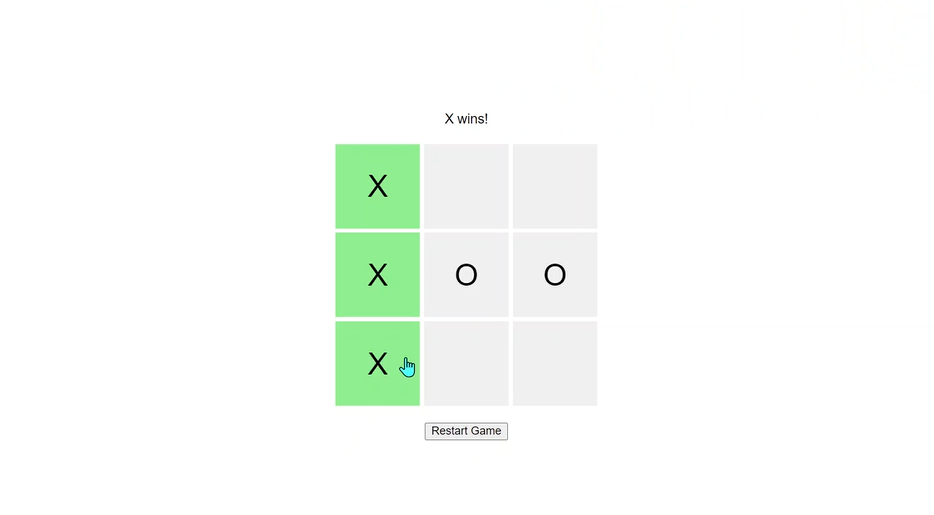
During the JavaScript workshops with Amer I learned the basics of JavaScript, he would first explain more about the different concept of JavaScript and then we would make an assignment related to the things we learned. During the first workshop we learned about the basics such as variables, functions and if/else statements, as well as how to use the console.log and different ways of displaying information in JavaScript, both in the console as on the webpage itself. We also learned how to play with math in JavaScript such as generating random numbers, I practiced more with this outside of class which I will add as a separate article in my portfolio. After learning the basics we were provided with HTML, CSS and JavaScript code that would make a tic-tac-toe game, in this code there were several errors however that caused the game to not work how it was supposed to, these errors were hidden in all the different code files, so a few of the errors were in the HTML while others were hidden in the CSS or the JavaScript. After finding all the errors we had to add our own code so that once there was a winner in the tic-tac-toe game the winning combination tiles would turn green instead of grey and a gif would start moving around the screen. Then to make everything go back to the way it was before when starting a new game I made a new function to restart the game in which I reversed all the changes I made before.

What have I learned?

  • Basic variables in Javascript such as var, const and let and when to use which one.
  • How to use if and else statements in JavaScript.
  • The syntax of JavaScript.

NUMBER GUESSING GAME

testimage

What have I done?

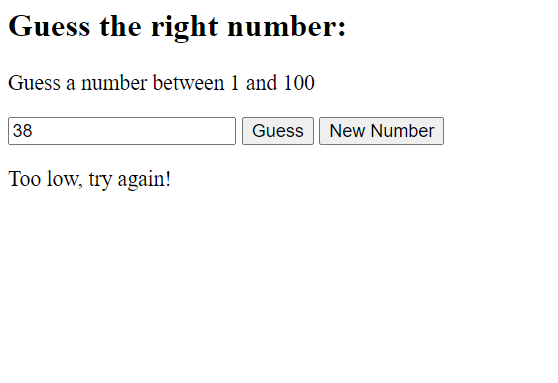
To practice JavaScript I have been to the different JavaScript workshops and I made small practices in which I applied what I had learned so far. For the first workshop we learned about the different variables, how to make and use functions and how to read and manipulate HTML elements using JavaScript. To then practice this I first made a number guessing game in which I used different variables, functions and also if/else statements. To start the game I had a generate new number button, when pushed this would run a function in which a random number between 1 and 100 was generated. After that i created a function to check if the number was the same, too low or too high.

What have I learned?

  • Working with the different math options to generate a random number.
  • How to get the elements from an HTML file and manipulate it in JavaScript. Also how to make new HTML elements in JavaScript and then display them on the page.
  • Making and using functions in JavaScript

EASTER EGG PRACTISES

testimage

What have I done?

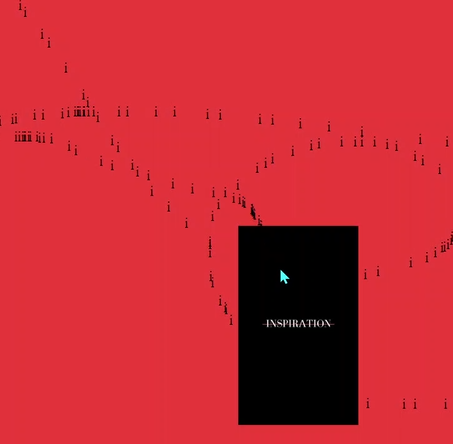
Before starting on project 3 we did some easter egg practises in class, for this I added a image then when pressed would move to a different random point on the screen using JavaScript. Next I added that if the r key is pressed the background color of the screen would change. I also added a mouse tracer so that everywhere your mouse went a trail of i's was placed. Lastly I added a secret combination that when that exact combination was pressed on the keyboard the background would flash blue and red like a police car and then go back to a white background. I did this by putting the key combination in an array which I had not used before in JavaScript.

What have I learned?

  • Different already existing features of JavaScript to make something happen when keys are pressed or when a mouse is moved etc.
  • Making an array in JavaScript.

PROJECT 3 DEVELOPMENT

testimage

What have I done?

For the third project in the semester we made a website for Lighttown Speakers in a group of three. In this website we had five pages which we devided amongst ourselves and I made the membership page and the trainings page. During this I got more experience with the basics of HTML and CSS and got to work with grid for the first time to make the tables in the membership page. I had never worked with grid before as I always used flex. I also worked with input types for the first time to make the form to sign up to become a member. Even though my specific pages do not have any JavaScript, I still helped with the JavaScript for the spotlights on the homepage so I got more practise with that as well with this project. We did have a few problems in the beginning with working in the same document as a group since we were all editing the CSS at the same time and therefor a lot of the things got overwritten when commiting and pushing in Git, so for this project we first made our own pages in our own documents and after that added them all together in one document, we know this is not the way we should have done it however we could not find a solution quick enough to then focus on coding the actual project.

What have I learned?

  • We should not all write in the same CSS and then start commiting and pushing and pulling in Gitlab, it causes the document to become quite unreadable.
  • How to use JavaScript in an actual webpage instead of as small projects on their own.
  • All of our laptop screens were a slightly different size so we had to find ways to make the website look more cohesive amongst different laptop screen sizes.

PROJECT X

testimage

What have I done?

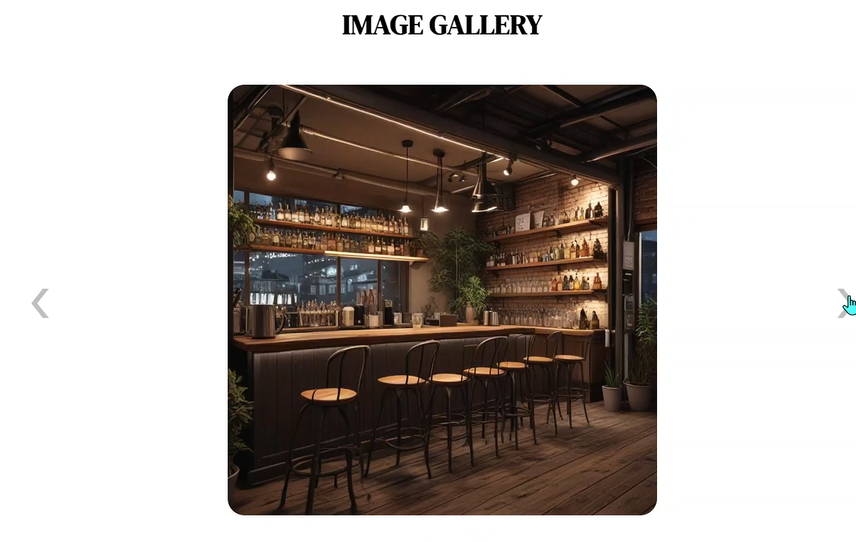
For this project I made a website for a cafe by day and a bar by night. In the home screen I first made a split screen where the cafe image leads to the cafe page and the bar image leads to the bar page. Then underneath the header of the home page is an image gallery where people can scroll through the images either by using the next and previous buttons or by clicking on one of the smaller images underneath. I made this with JavaScript and this is the first time I actually used JavaScript in a website to add interactivity and more interesting details by myself. In the pages for the cafe and the bar I also used quite a lot of new things that I had not used before, first of all I made all the menu items using a json file and then used JavaScript to display them on the page. Then I added more Javascript so that only 3 menu items at a time would be visible and users can horizontally scroll through them using the buttons. Then lastly I made a reservation form using some input forms I had not used before.

What have I learned?

  • Working with a json file.
  • Using JavaScript to add interactiveness to a website instead of using it for experiments.
  • During this project I really started noticing I was not relying a lot on helpful sources like ChatGPT anymore and I could do most things on my own without help.

API PRACTISES

testimage

What have I done?

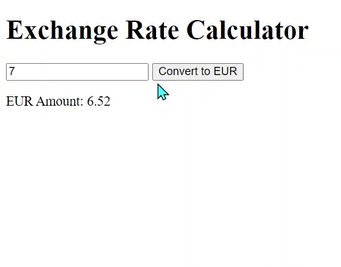
We had two workshops for practising with API's, one from Amer and one from Frank, during the workshop with Amer we made a small dollar to euro converter using a free API provided by Amer. During the workshops I noticed that working with API's is very similar to working with a json file, except the Json file is made yourself and is in my own files while the API is an external source. This did make it a bit more difficult to work with since I was unsure about times about the structure of the API, however this was easily fixed by using a console.log to see how the data was structured. For the workshop with Frank about API's we used two different API's to practise, one was a random quote generator and the other one was a free weather API so that we could display the current weather of Eindhoven on our practise website.

What have I learned?

  • I learned working with API's